How to Use Quit Compass: Dates, Trackers and Craving SOS
Start with one tracker, choose when day one begins, and keep a simple plan for difficult moments. This guide covers first-time setup, tracking more than one habit and using Craving SOS.
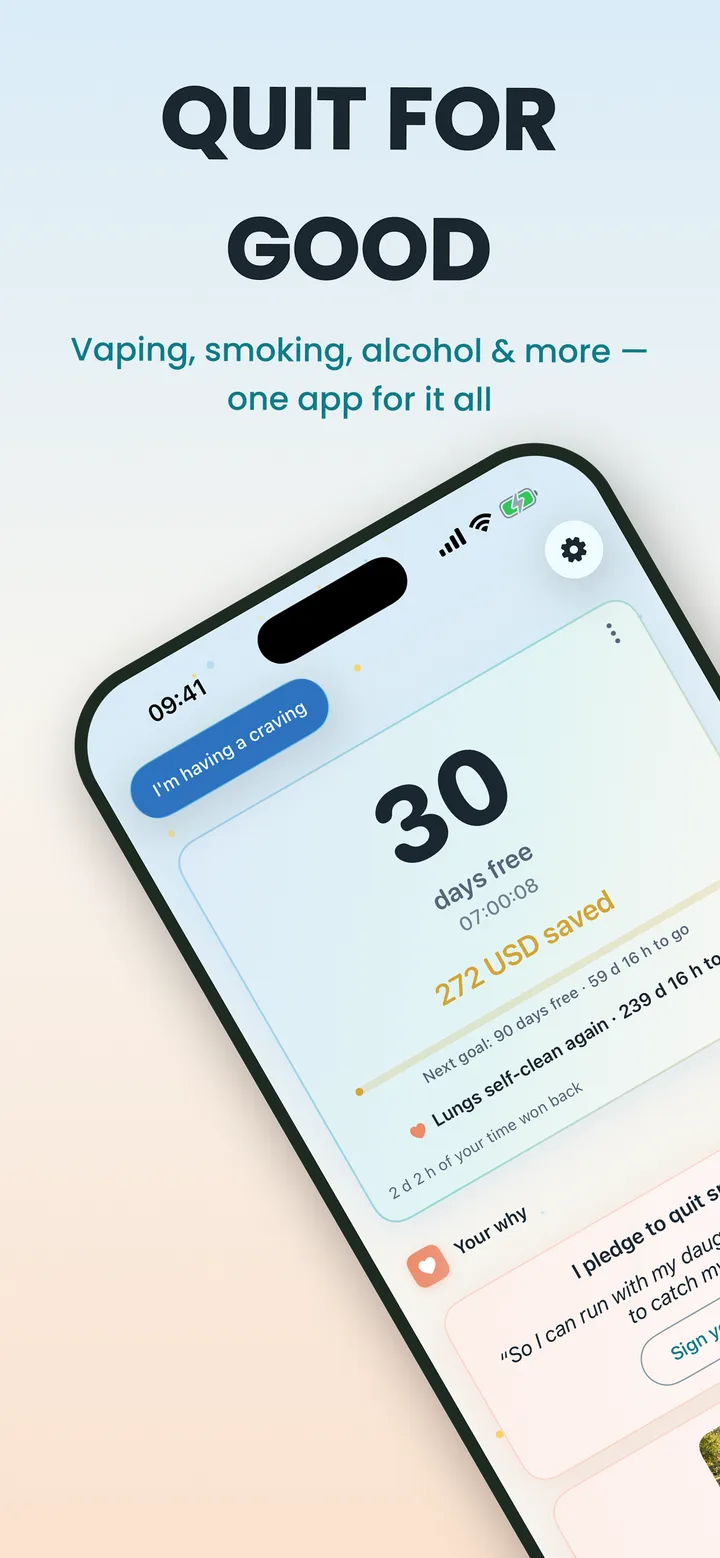
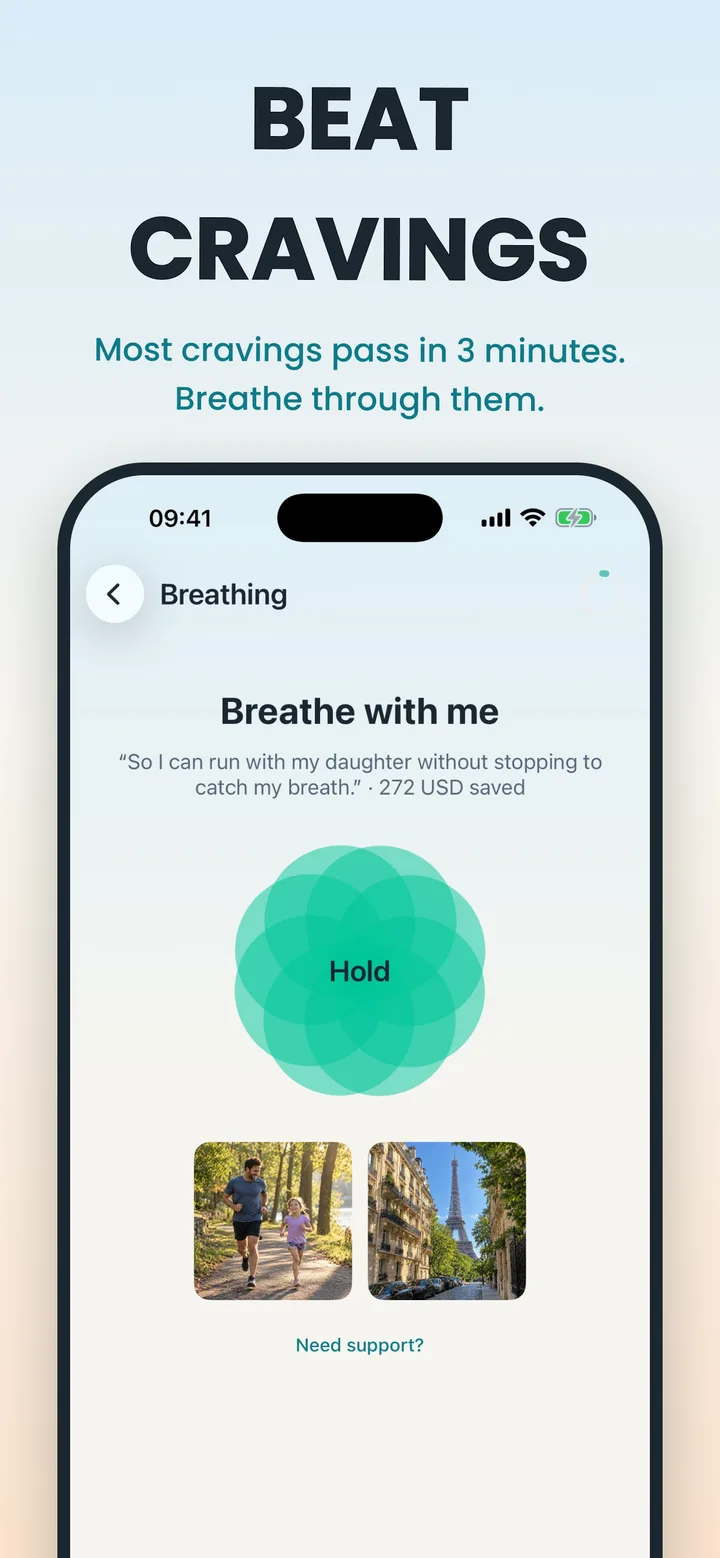
These instructions cover Quit Compass for iPhone, version 1.9, publicly released on October 20, 2026 and checked on October 22. We checked the public release information and the corresponding setup and SOS interface code; this is not a hands-on device test. The images are our October App Store marketing previews, not screenshots of every setup step. Android layouts and purchase options can differ.
Set your starting day during first-time setup
- Open Quit Compass and work through the introductory questions. Choose the habit you want to track and enter your own usage and cost estimate.
- Choose your goal. The steps below describe a quit tracker; a cut-down plan uses a different flow. For alcohol dependence, consult a clinician before reducing or stopping; an app’s plan is not a medical detox plan.
- At “When is day one?”, choose the option that matches your situation:
- “Right now — today is day one” starts from now.
- “I already quit” opens a date-and-time picker. Select when you stopped, including an earlier time today, and check both the date and time.
- For smoking and vaping, “I’ll quit on a set day” offers tomorrow or 2, 3, 7 or 14 days ahead. The counter starts at midnight on that day; until then, the app shows preparation time. Alcohol setup instead records when you last drank and does not offer this future-date choice.
- Finish setup and check that the Home screen matches your intention.
The web day counter is also available for an independent calculation. It does not change the date inside your app.
Can I edit an existing quit date?
Yes. Open the relevant tracker’s menu and choose Edit to open Edit tracker. For a quit tracker, find “When did you quit?” (or the last-drink question for alcohol), select the correct date and time, then tap Save. Check the resulting count on Home. A cut-down tracker uses its plan rather than this quit-date field.
You do not need to delete and recreate a tracker to correct its starting date. Deleting a tracker removes its history. If the picker is missing, check your app version and contact support before deleting anything.
Track smoking, vaping and alcohol separately
One tracker is free. Additional trackers require Premium. You can keep different starting points and spending estimates for each habit.
- On Home, open the three-dot menu on the tracker header.
- Choose Add tracker. If you already use the free tracker, the app displays its Premium options before you can add another.
- On New tracker, choose the additional habit, enter its baseline and choose its goal. Complete the remaining questions and tap Save.
- Switch between your trackers on Home. Check which habit is selected before opening its statistics or recording a craving.
When adding a quit tracker in iPhone 1.9, use “When did you quit?” to choose its date and time. Leaving a new tracker at Now starts it from the current time. Alcohol uses a last-drink field and does not accept a future date. A cut-down plan has different inputs; do not use it as a substitute for entering your quit date.
A separate tracker records a separate habit. It does not mean you have to quit everything at once. Choose a plan that fits your circumstances and any professional advice you receive.
Use Craving SOS when a difficult moment arrives
- Open SOS for the relevant tracker.
- Answer “How strong is the craving?” with your current rating.
- Choose an available activity, such as guided breathing. Some activities and games are Premium and show a lock; you can use an unlocked activity instead.
- Follow the activity at a comfortable pace. You can tap Done before the timer finishes. A timer is a prompt to pause, not a promise that a craving ends within three minutes.
- Answer “How strong is it now?” You can try another activity or continue to the log.
- Record what happened honestly. Over time, your craving history can help you notice situations you want to plan for. Full craving insights are a Premium feature. Version 1.9 also adds Tower Stack and Sky Hop to the SOS activity options; availability depends on your plan.
SOS is a self-management tool. It does not assess withdrawal or provide emergency care. Alcohol withdrawal can be dangerous: seek medical advice before stopping if you may be dependent, and urgent help for seizures, hallucinations or confusion. See the NHS alcohol-use disorder guidance.
Keep your next step small
Write one practical response to a situation you expect: “After dinner, I’ll take a short walk,” or “When I want to drink, I’ll contact someone I trust.” You can also use our free printable 30-day tracker to keep a plan on paper.
For help choosing what to read next, visit the alcohol-free hub, smoke-free hub or vape-free hub. Our privacy page explains the app’s data practices.